ONE IMAGE.
TWENTY LANGUAGES.The words in a chart or a screenshot are pixels, not text. Overlayn prints the translation back in the same place.
PNG · JPEG · WEBP — up to 50 at once
No account needed to load a file — you sign in at the moment the run would cost credits.
New accounts start with 30 credits.
OTHERS READ THE TEXT LAYER.
A normal translator skips the words inside a picture. Overlayn finds them, reads them, and draws the translation back in the same place.
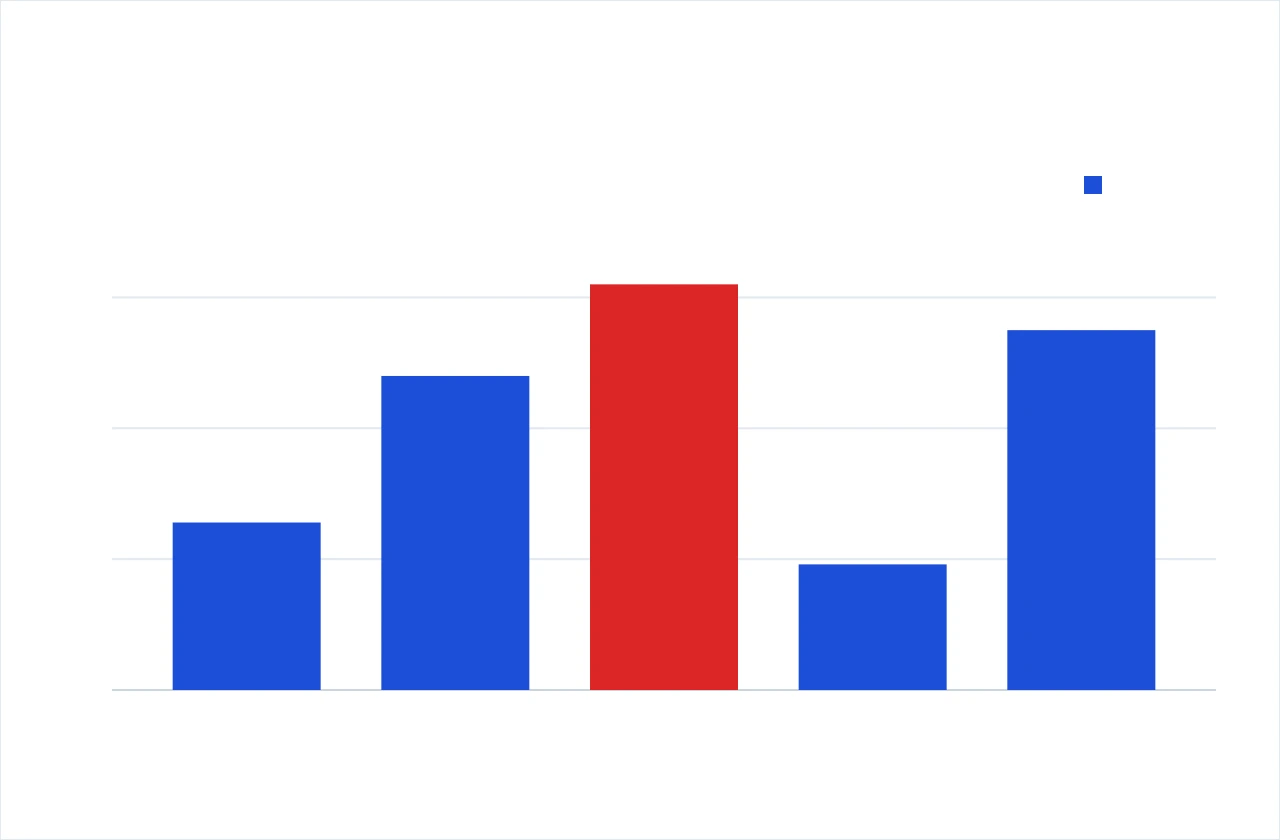
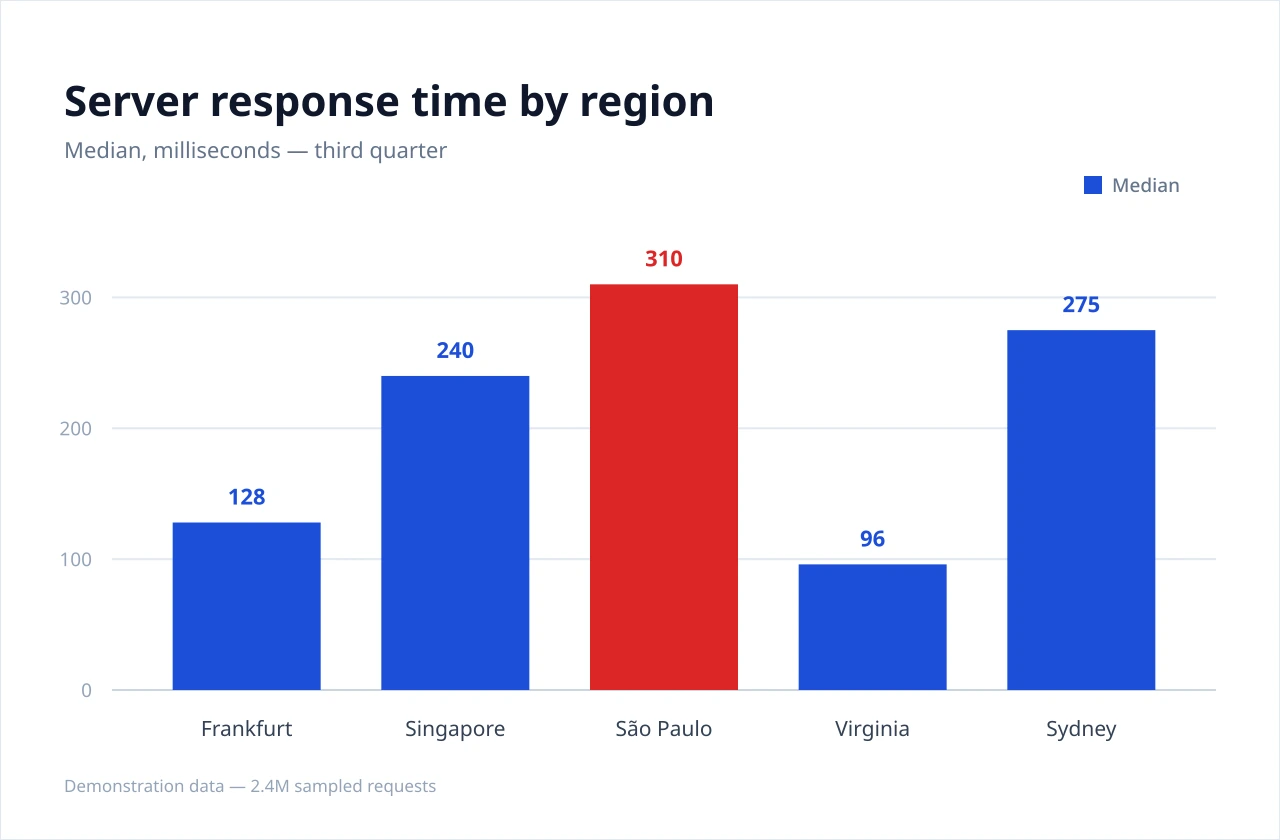
- source
- detect
- read
- clean
- translate
- render
- Japanese日本語JA
- ArabicالعربيةAR
- RussianРусскийRU
- UzbekO‘zbekchaUZ
Every frame above is a real image file, not a drawing in the page. The bars and the axis numbers never change — only the words do. The chart itself is demonstration data.
FOUR STAGES RUN ON CLAUDE.
Vision models handle the pixels. Claude makes the language calls: which OCR model reads what, what is lifted off, the translation, and the shorter line when it outgrows its box.
- 01detectOnce per imageOnce per imageText detector
Finds every run of text in the picture, with its outline and its angle.
- 02readOnce per imageOnce per imageClaude · OCR models
Claude routes each region to the OCR model suited to it — a fast reader for clean print, a vision model for text that is small, rotated or in a mixed script — and sends a region back for a second read when what came out does not hold together.
- 03cleanOnce per imageOnce per imageClaude · inpainter
Claude decides what is lifted off the picture. Words that need translating are painted out; brand names, URLs and code stay exactly as they were drawn.
- 04translateEvery languageEvery languageClaude
Every fragment on a page goes in one call, so a term reads the same in the title, the legend and the axis. Numbers, dates and units are kept as written.
- 05fitEvery languageEvery languageClaude · typesetter
Each box carries a character budget measured from its size. Claude writes the full line and a shorter one in the same pass; the shorter one is set only when the full one does not fit.
- 06renderEvery languageEvery languageTypesetter
Draws the words back at the original size, colour and angle. A fix made by hand is redrawn in about 0.04 s, with no model call.
SAME BOX, LONGER WORDS.
The box does not grow with the translation. Claude gets each box’s budget and returns a full line and a shorter one; the shorter is set only when the full one does not fit.
- DEGermanFull translationÄnderungen speichern20 / 13 · 7 overSet in the boxSpeichernClaude’s shorter line · 9 / 13
- FRFrenchFull translationEnregistrer les modifications29 / 13 · 16 overSet in the boxEnregistrerClaude’s shorter line · 11 / 13
- UZUzbekFull translationO‘zgarishlarni saqlash22 / 13 · 9 overSet in the boxSaqlashClaude’s shorter line · 7 / 13
- RURussianFull translationСохранить изменения19 / 13 · 6 overSet in the boxСохранитьClaude’s shorter line · 9 / 13
- JAJapaneseFull translation変更を保存5 / 13 · fitsSet in the box変更を保存Full line, as written · 5 / 13
Illustrative lines for one button. On a real image the budget is measured from each box’s width, height and font size. When even the shorter line does not fit, the type steps down to a floor and the region is flagged for you to review.
IF THE WORDS ARE PIXELS.
Photographed, captured, scanned or exported — if a translator would skip the words in it, this is the tool.
 Photograph
A picture taken on a phone. The words are part of the scene.
Photo: Kaidai, CC BY-SA 3.0
 Screenshot
A product screen captured for a ticket, a guide or a report.
Demonstration file
 Scanned figure
A manual page whose callouts and captions are ink, not text.
Demonstration file
 Already multilingual
Three languages printed on one board — and still unsearchable.
Photo: M. Ślusarczyk, CC BY 3.0
KEEP IT ONE KEYSTROKE AWAY.
The picture is already on your clipboard. Paste, take the languages you need, download — and every run waits on your board.
- 01Ctrl+VPaste it
A screenshot on your clipboard lands on the plate from anywhere on this page — no dialog, no upload button. Try it now, the board is already listening.
- 0220Pick where it goes
Reading the picture happens once, whatever you asked for. The tenth language costs about a second more than the first, so you take all of them.
- 03∞It stays on your board
Every run waits under Documents. Re-download any language, fix a word by hand, and the redraw costs no credits at all.
NOTHING IS SMOOTHED OVER.
Partial failures, regions flagged for review, and credits held rather than spent are all shown as they are.
- 01Bulk in one go
- Up to 50 images in one document and up to 20 target languages per run. Reading each image happens once, however many languages you asked for.
- 02Edit what came back
- Every text area is editable after the run: rewrite a line, hide it, or move and resize its box. The redraw takes about 0.04 s because no model is called again.
- 03Text that no longer fits
- A longer translation is re-broken, then swapped for the shorter line Claude wrote alongside it, then stepped down in size to a floor. Past that floor the area is flagged so you can decide, instead of silently shrinking to nothing.
- 04Partial failure costs nothing
- If one image fails, the rest still finish. The document is marked partial and only the pages that actually worked are charged.
- 05Credits held, then settled
- The ceiling price is held when a run starts and the difference comes back when it finishes. A failed run releases the whole hold.
- 06Take the files with you
- One image as a PNG, or the whole document as a ZIP — one folder per language when there is more than one, flat when there is only one.
EVERY VISIT ENDS
IN A DOWNLOADED FILE.One image as a PNG, or the whole document as a ZIP — a folder per language. A short detour inside a bigger job.
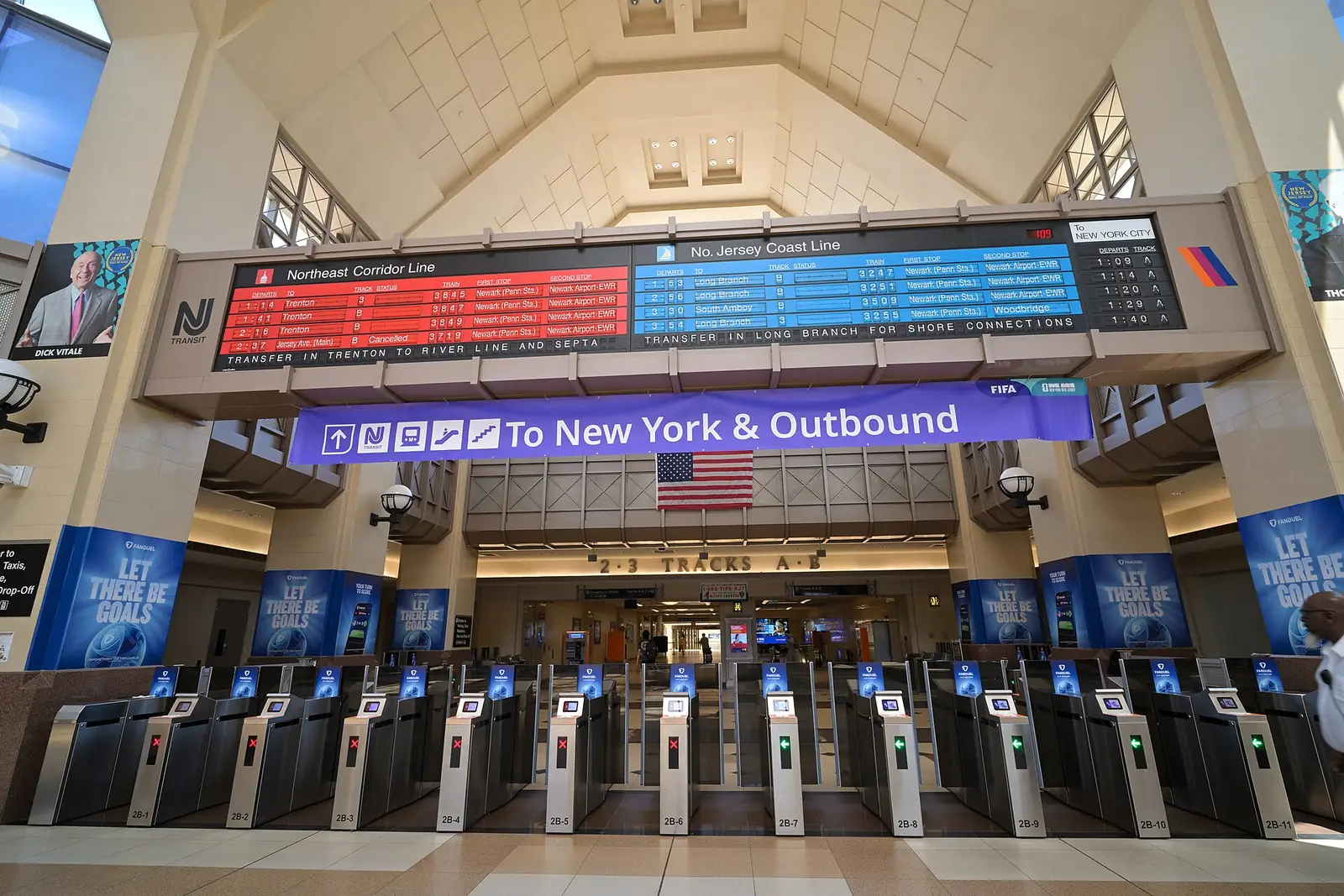
Photo: Secaucus Junction, 4300streetcar, CC BY 4.0